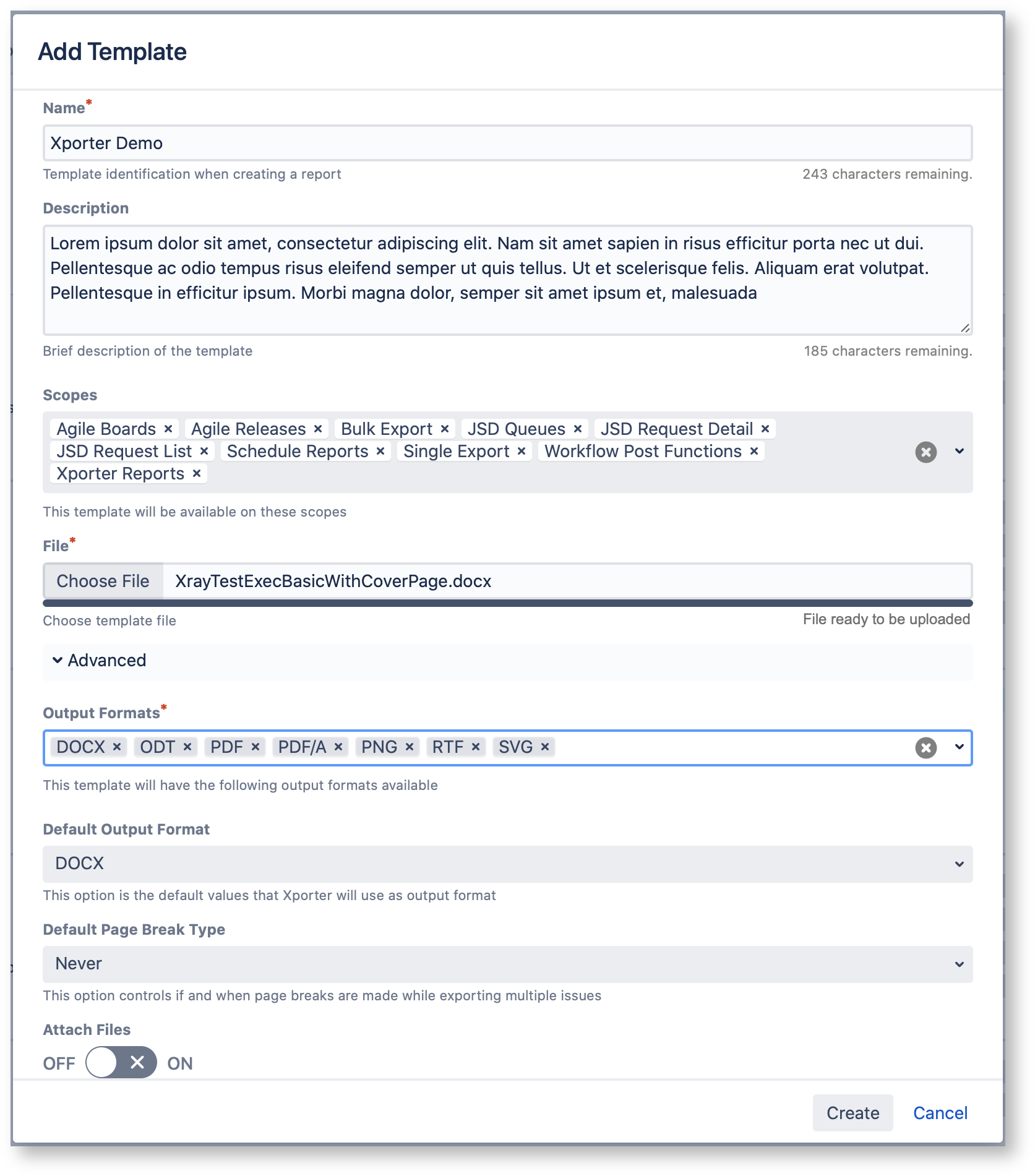
Xporter has prepared a new image for the templates so that their management is simpler. With the new interface you can: - Search the template by name of the template or by filename
- Change the sortorder of the templates to be displayed (sorting by column)
- Pagination, that allows you to define Choose the number of templates per page
- The default template will appear first in the list
- The icons represent representing the file type
- View the full name of the author of who performed the last change modification to the template
- Download the template in the options menu of each template
|