...
Several improvements were done on the integration with the TempoTimesheets Tempo Timesheets app. Now it's possible to export all of the Tempo worklog fields.
...
Compatibility Notes
...
| Panel |
|---|
| borderColor | #F3F3F3 |
|---|
| bgColor | #FAFAFA |
|---|
| borderWidth | 1px |
|---|
|
| Section |
|---|
| Column |
|---|
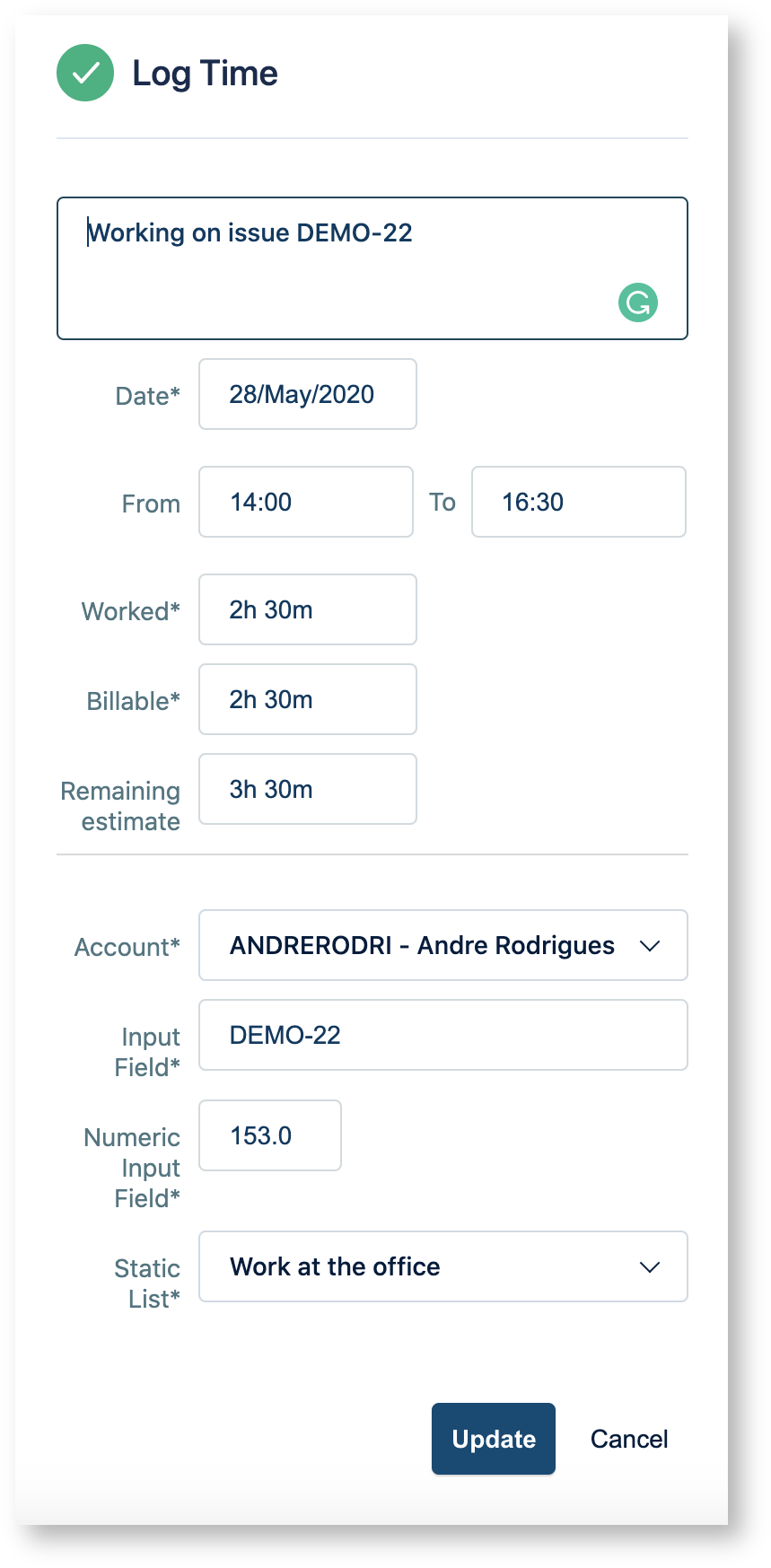
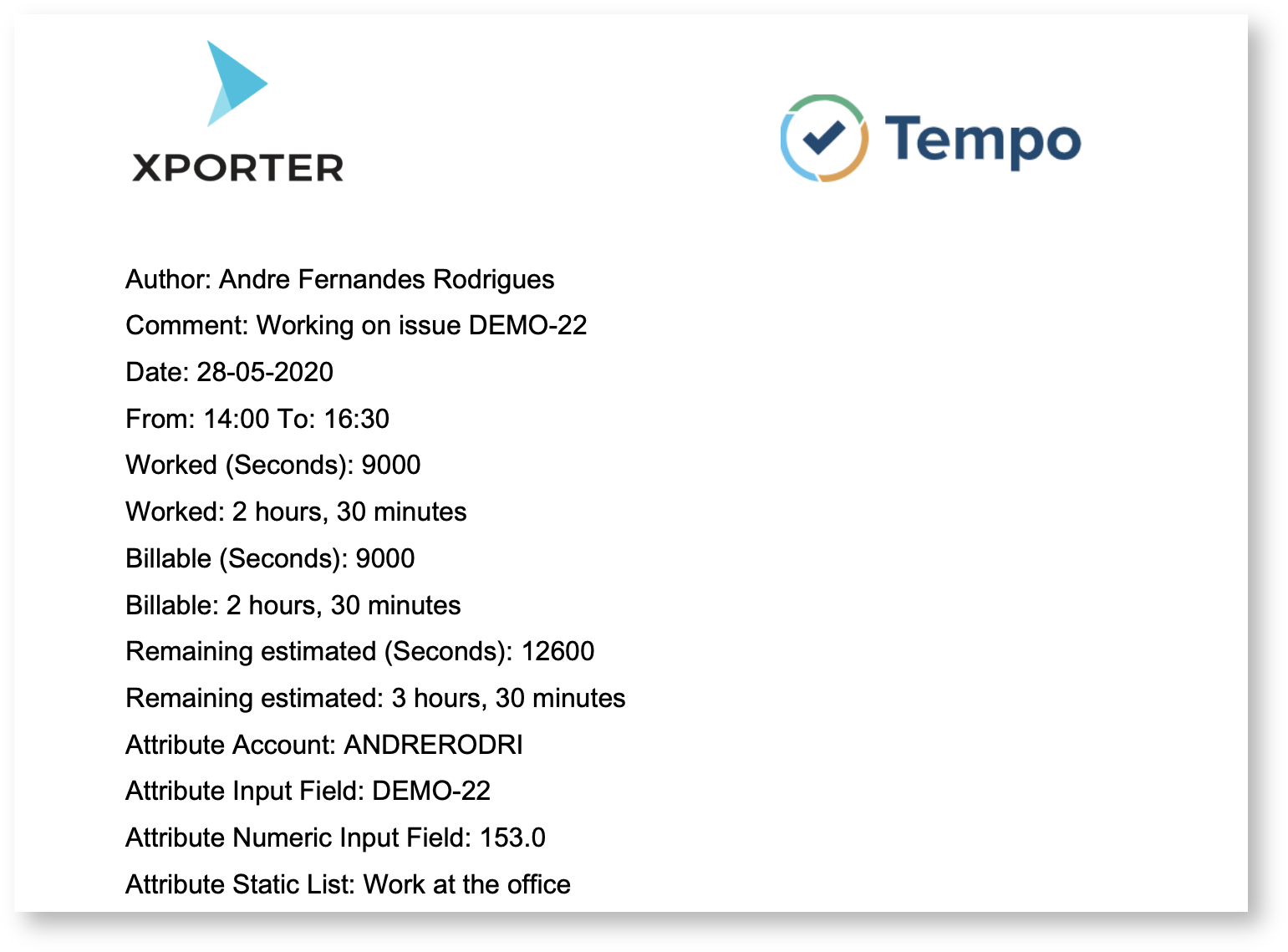
| Improved integration with Tempo TimesheetsXporter improved the integration with TempoTimesheets Tempo Timesheets in order to be able to export all the fields from Tempo. Xporter allows you to export all the fields defined on the log time and also the attributes defined on the Tempo app.
Work attributes are custom fields that you can add to time records in order to record detailed information about logged time
Tempo Fields | Description |
|---|
| Author | The author of the worklog entry | | Comment | The comment present on the worklog | | Date | The date when the worklog is registered | | From | The time when the worklog started | | To | The time when the worklog finished | | Worked | The worked time in seconds | | WorkedFormatted | The worked time as displayed on Jira | | Billable | The billable time in seconds | | BillableFormatted | The billable time as displayed on Jira | | RemainingEstimate | The remaining estimated time in seconds | | RemainingEstimateFormatted | The remaining estimated time as displayed on Jira | | <Atribute Name> | The attribute name defined on tempo |
Learn more about this feature here. |
| Column |
|---|
| 
|
|
|
...